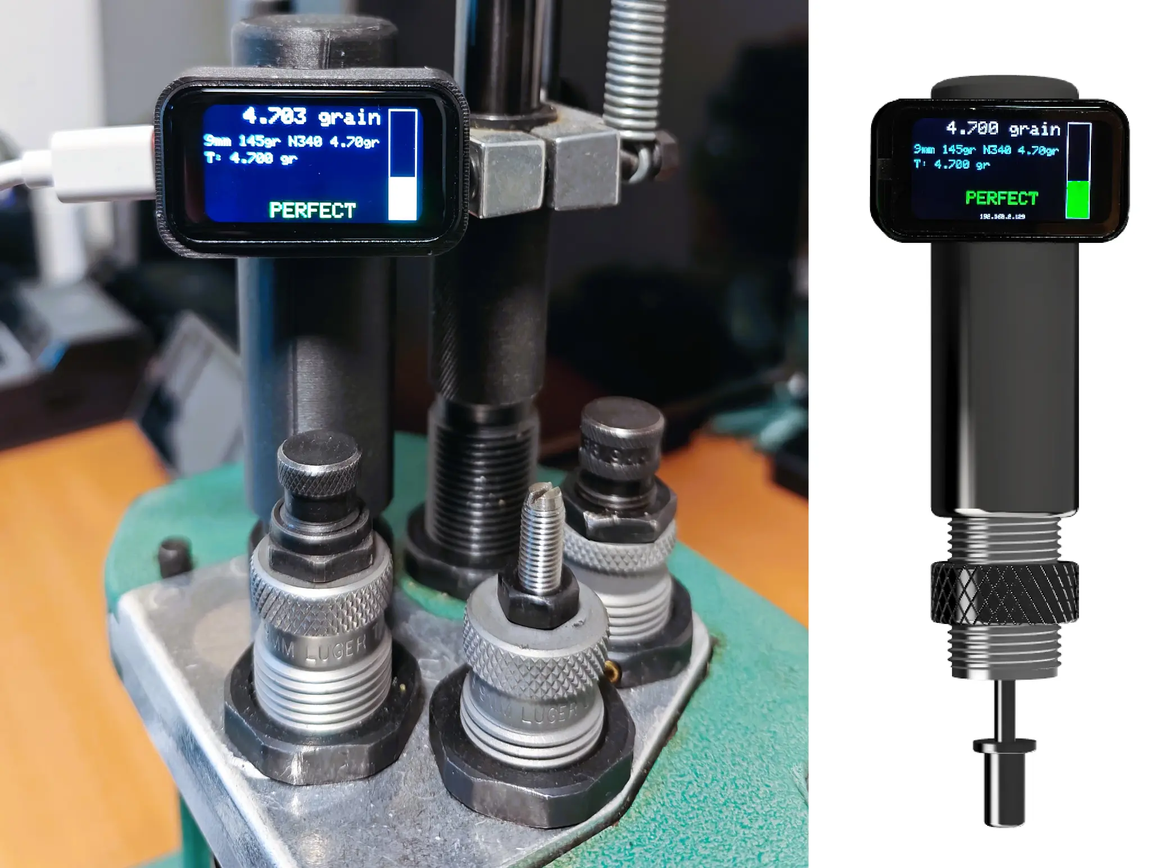
Firmware Update
Connect your PowderSense device via USB to update to the latest firmware version.
Latest Version: 1.1.0
What's New:
Version 1.1.0 - Latest 🐛 Bug Fixes • Partition error - only 4MB of 8MB located • Buzzer preparation on GPIO 4 • RGB Led preparation on GPIO12 • Improved hardware stability and GPIO configuration • Fixed RGB LED color mapping for weight thresholds (Low=Blue, Perfect=Green, High=Red) • Fixed global I2C diagnostic variables declaration order in runI2CDiagnostics() ✨ New Features • Settings Page: New advanced settings interface for customization • Buzzer Control: Toggle buzzer on/off (disabled by default) • Session Export: Download detailed session logs as CSV files • Settings Persistence: Save your preferences automatically • Diagnostics Page: Comprehensive system health check with real-time monitoring • Display, RGB LED, Buzzer, I2C Bus, ADC/Sensor, Calibration, WiFi, and Storage diagnostics • I2C bus scan results showing detected devices and ADS1115 status • Live color preview for RGB LED • Buzzer test functionality • Memory and storage usage visualization • I2C Bus Diagnostics: Detailed I2C scan results with device detection • Startup Diagnostics: Automatic component verification on boot 🔧 Key Improvements • No more need for SPIFFS/LittleFS - all HTML is converted to .H files for faster response and more log room • Enhanced diagnostics API with comprehensive system information • Improved I2C initialization with timeout protection • Better error handling and logging for hardware components • Display rotation support via advanced settings • Responsive diagnostics dashboard with Bootstrap 5.3
Instructions
- Connect your PowderSense to your computer via USB-C.
- Use a browser that supports Web Serial (Chrome, Edge, Opera).
- Click the "Connect" button below.
- Select the port your device is connected to.
- Follow the on-screen instructions to install the latest firmware.